
SearchCtrl K
Shows the routing and activity history of the selected email.
To access the email history, click the History button in the reading pane toolbar
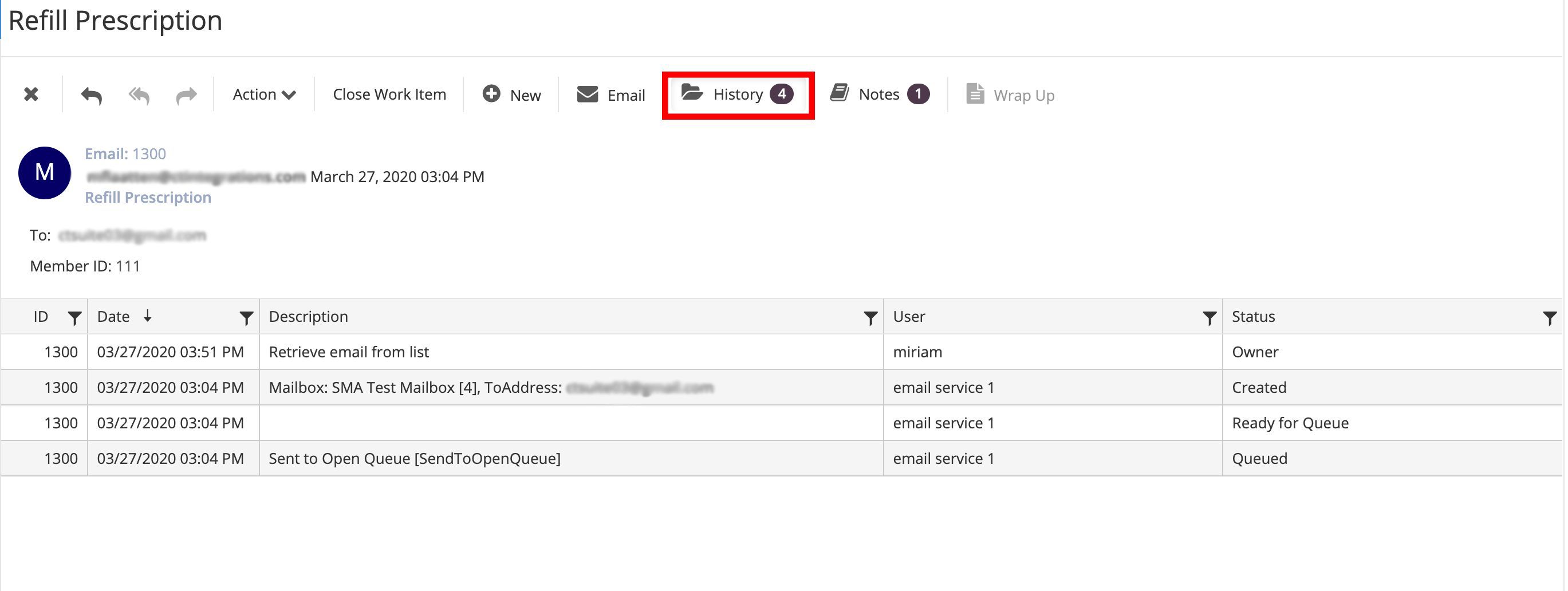
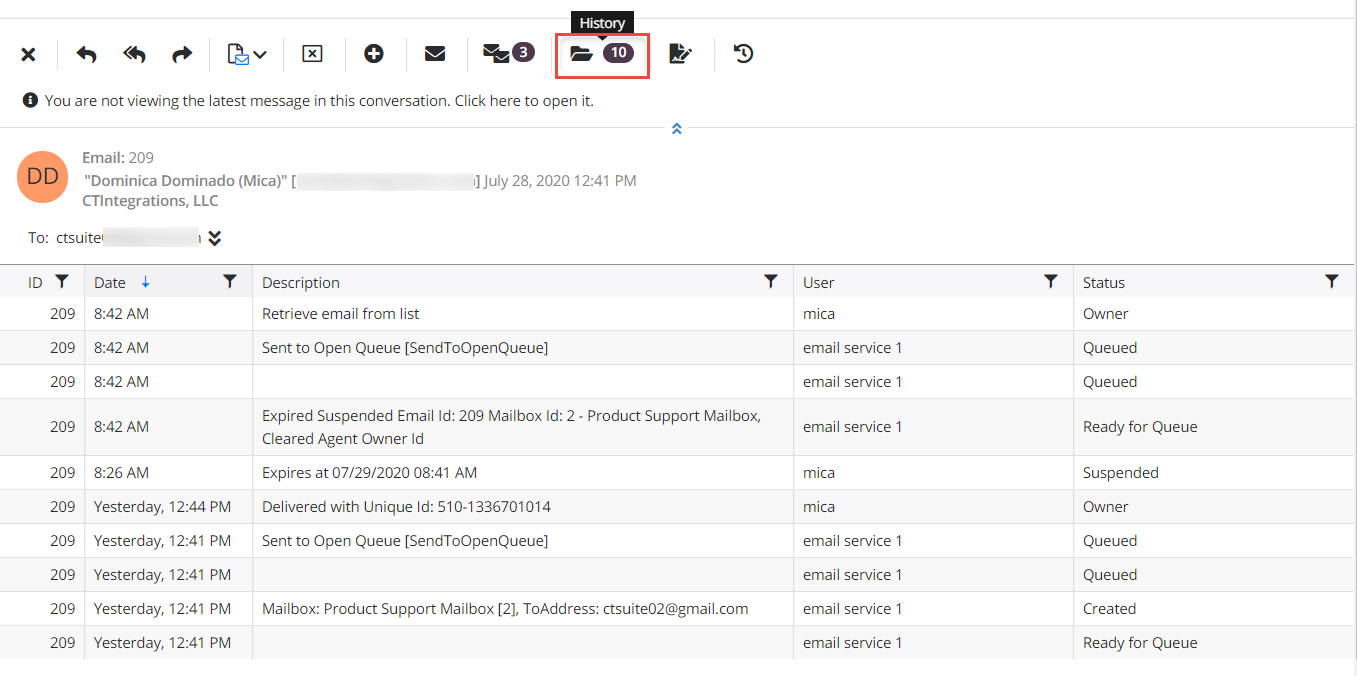
Here, you can see the events that occurred with the email
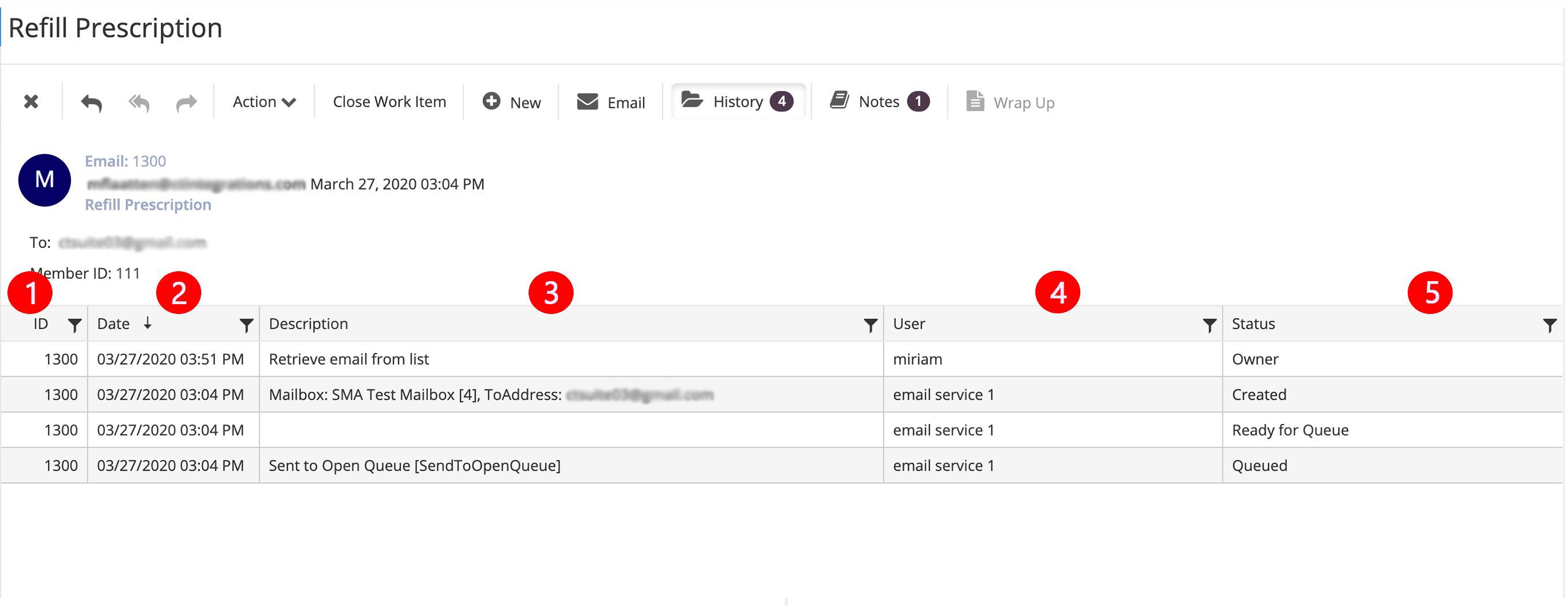
ID: Dislays the email ID
Date: Displays date and time of the event
Description: Description of the event
User: Displays either the queue or the user that handled the email
Status: Displays the status of the email