SearchCtrl K
Agents can add notes to an email. This is useful in the case that further research needs to happen, and the agent wants to note the findings along the way, for example. The notes are visible to other agents, even if the email item is transferred or closed.
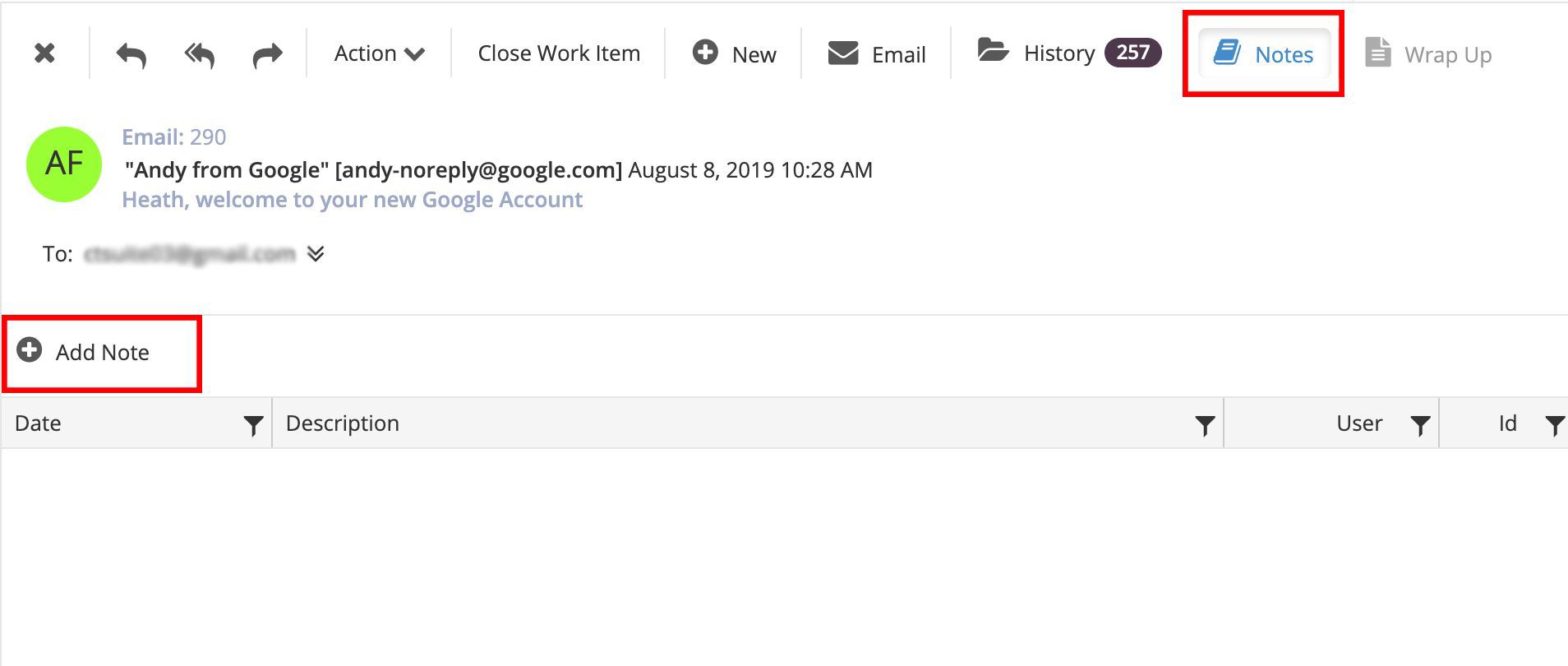
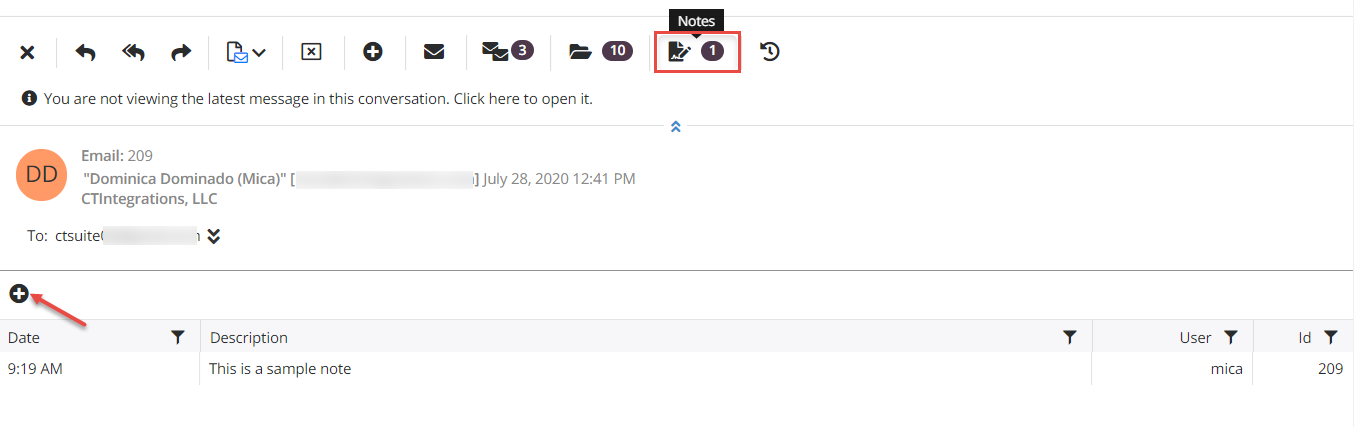
To add a note to an email, click the Notes button in the reading pane toolbar, then click the Add Note button.