
SearchCtrl K
Displays the page for selecting disposition topics. This requires dispositions to be configured.
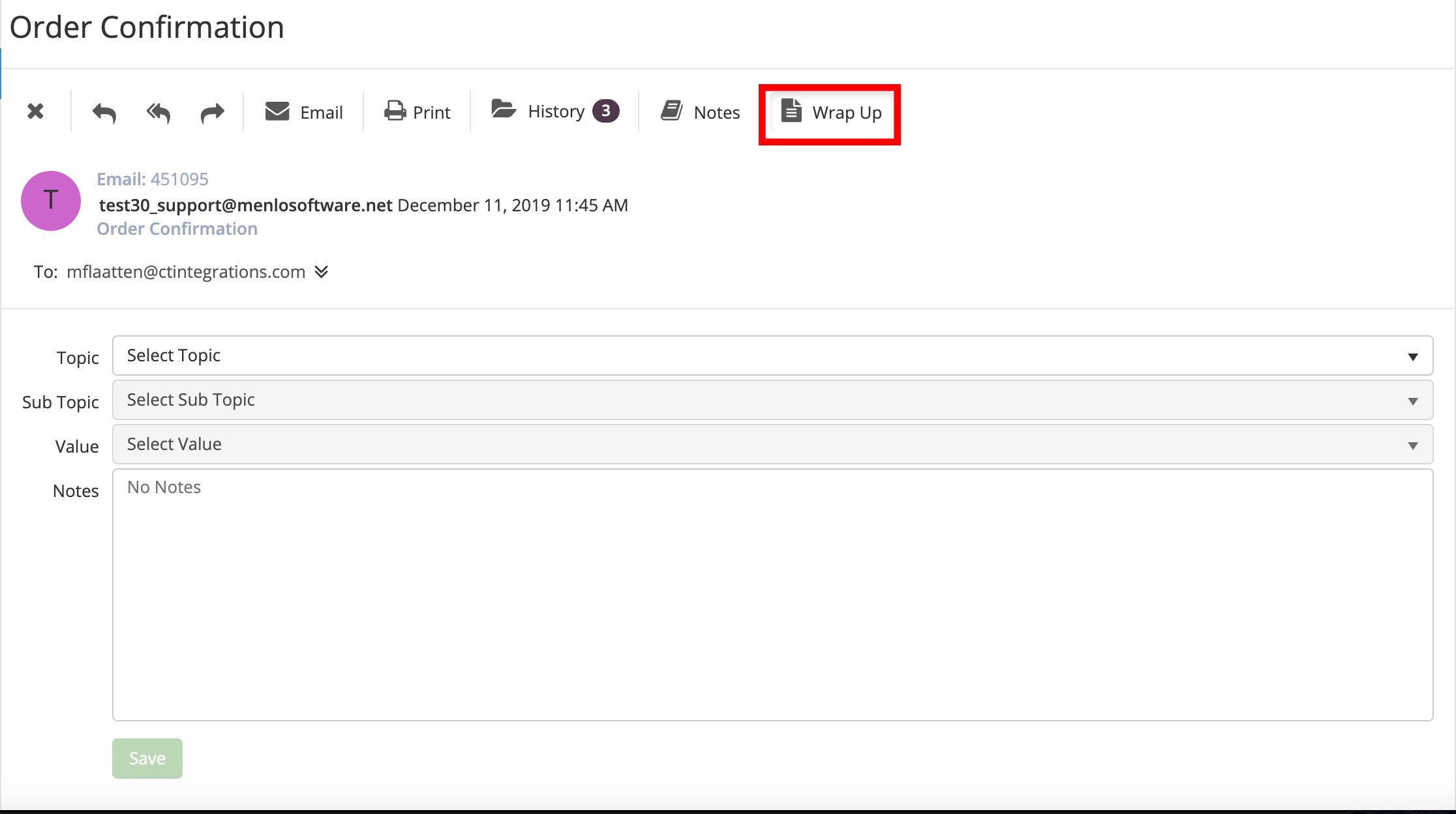
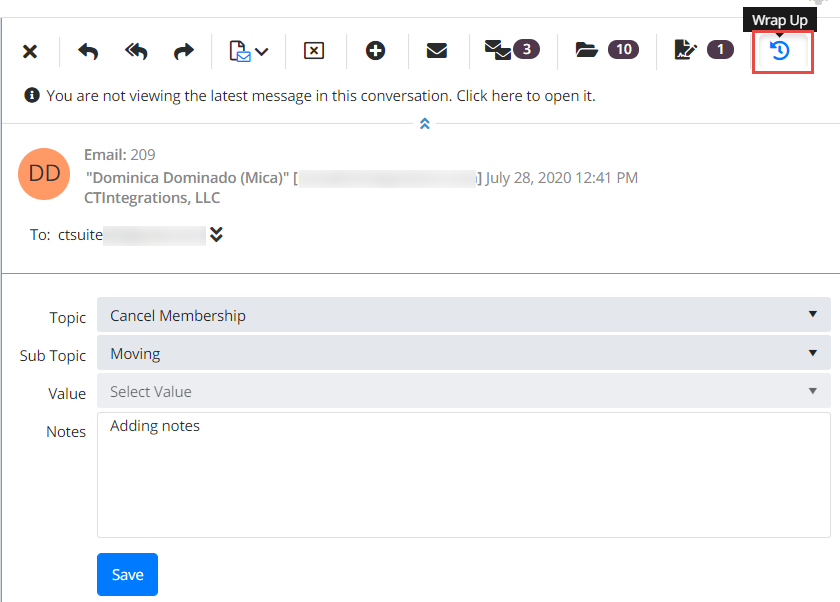
To wrap up an email, click the Wrap Up button in the email control bar.
Use the drop downs to select the desired topic and sub-topics, add notes if desired, and click the save button.
Info
Email Wrap Up can be configured as a mandatory step by your Administrator. One or all of the wrap up fields may be required in your environment.