
SearchCtrl K
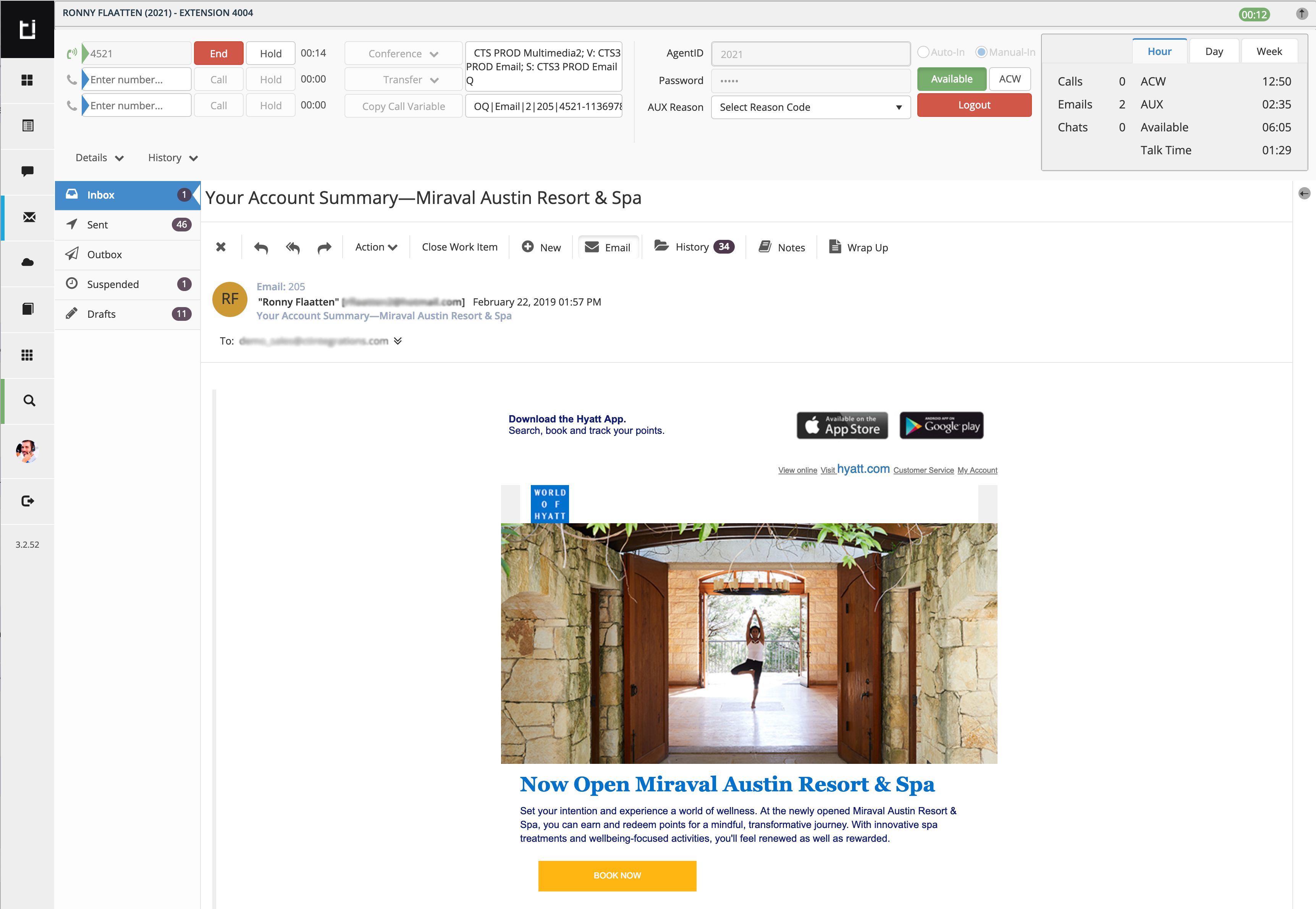
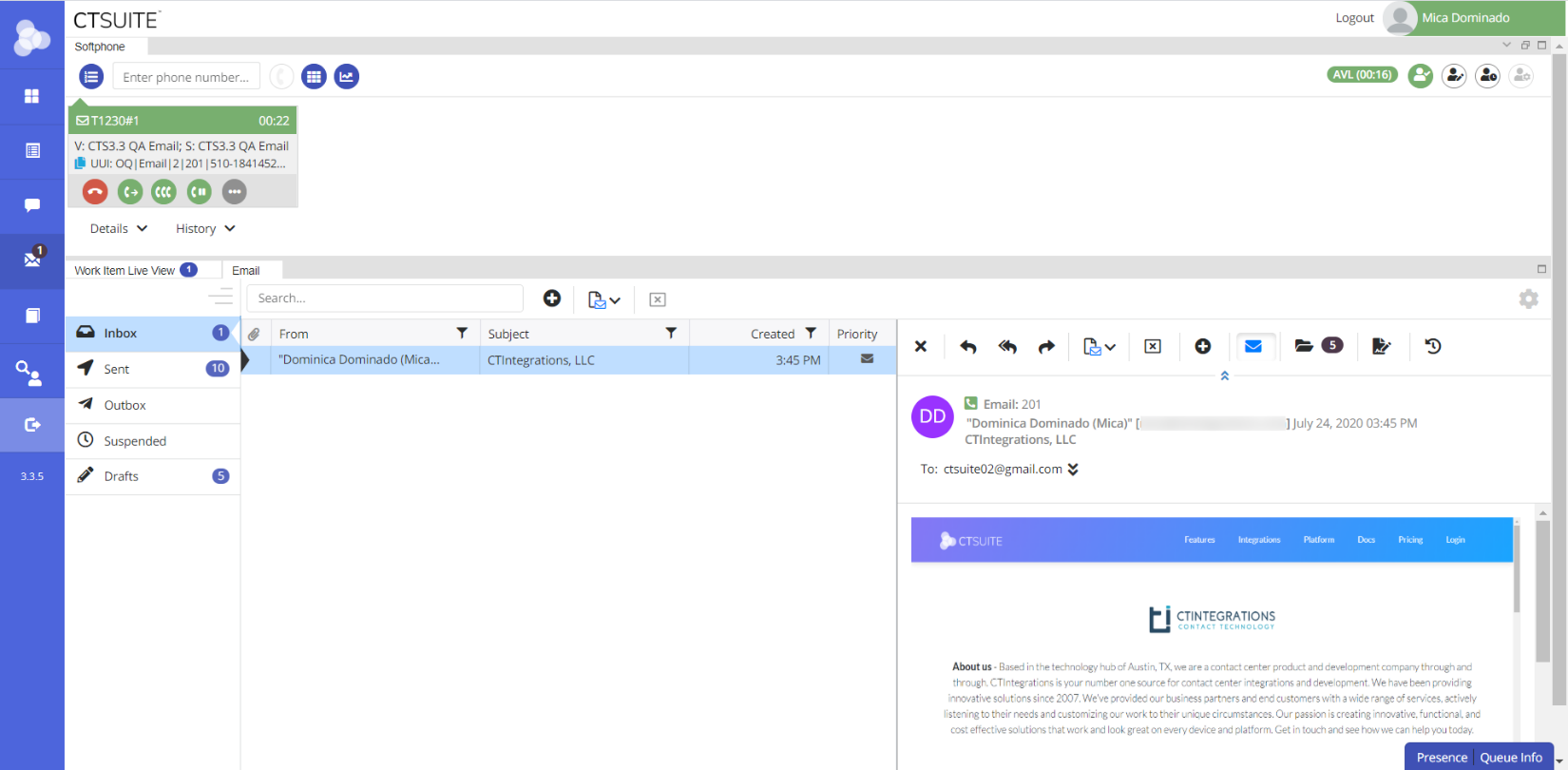
The CT Suite Web Client Email widget offers the same features and functionality as most email apps.
The difference is that the CT Suite Email application delivers emails to agents via the Avaya phone routing.
Just as with queued voice calls, the agent must be in Available mode to receive queued emails. This is because the email delivers on a "phantom" phone call from the queue. This "phantom" call has no voice. It just serves as a delivery mechanism for emails. Upon answering an incoming email call, the main Email application screen will appear with the email open for viewing.
Note:
This feature must be preconfigured by the CT Suite Administrator and enabled for each agent.