
SearchCtrl K

About CT Suite Dashboard User Guide
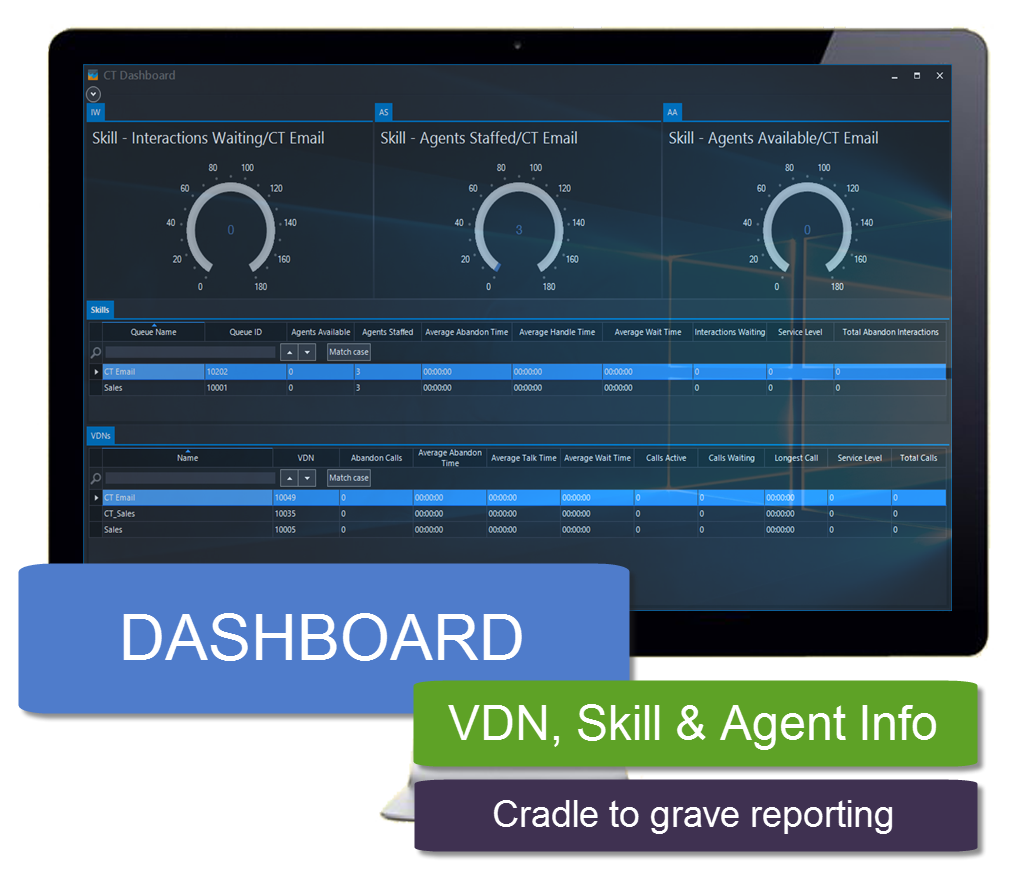
CT Suite Dashboard is a desktop application that provides real-time graphical and grid view statistical information on VDN, Skill and ACD Agents. Features also include the ability to set thresholds on data elements such as ‘Calls in queue’ to visually give alert indications. The dashboard layout can be customized for individual users and saved locally for future use.
This guide documents the CT Dashboard features and tools.
Target Audience
The target audience for this document is the end users and supervisors.
Information Provided
This guide will provide information on the CT Dashboard basics.
Information Not Provided
This guide will not cover the administration or installation of the CT Dashboard application.