SearchCtrl K
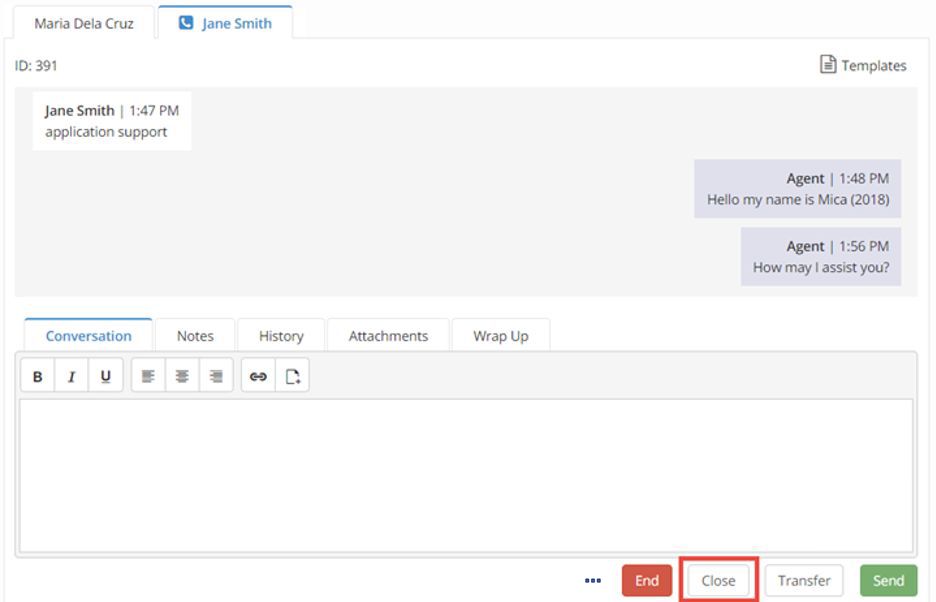
To complete the chat, click the Close button. A dialogue asking if you're sure you wish to close the work item will appear where you can select Close or Cancel. By clicking Close, the call ends and the chat no longer appear in the user’s Inbox.
Info
If you wish to end a call but retain a chat work item, click the Softphone End button. The call will end, but the chat work item will remain open until you click Close.